Changing your Buffer account name and avatar picture
1min read
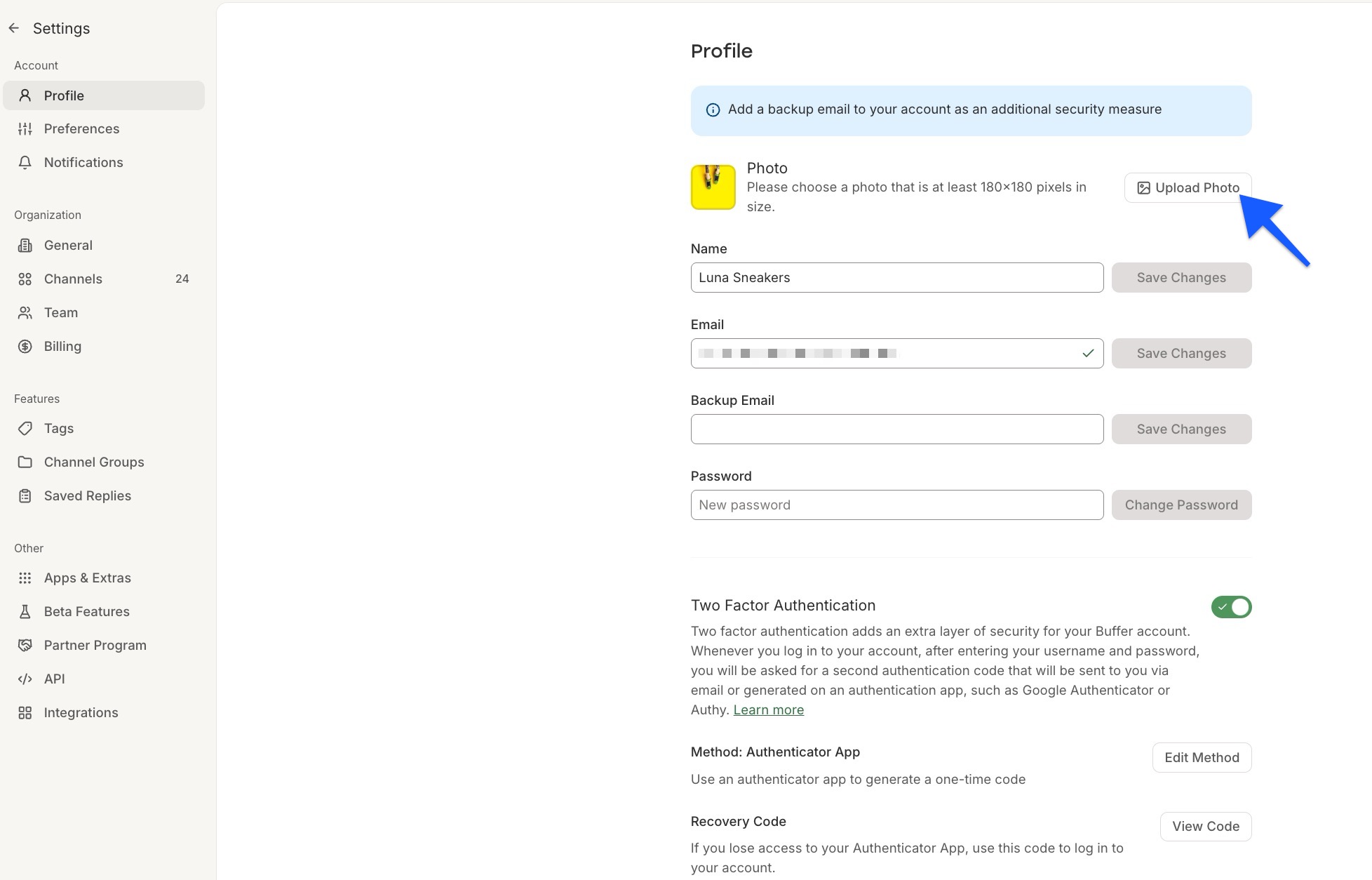
When you create a Buffer account, you can upload your own photo or your company logo within Buffer's Profile settings.
To do this:
- Click your profile icon avatar in the bottom left of your dashboard.
- Select Settings from the dropdown.
- From here, you can click Upload Photo to add your image.
Changing your Buffer user / account name
Your username will appear on all posts and drafts you create. To change your name, you can take the following steps:
- Click your profile avatar in the bottom left of your dashboard
- Select Settings from the dropdown.
- Update the Name field with your preferred name and click Save Changes.